Drone Skins
Drone Specifications
Please make sure to read the General Modeling Guide in addition to the following specifications.
Follow these guidelines to make your own unique B33!
This lists the accepted drone parts that can be processed and how it will be placed on B33. You can use the Drone Template provided on the Creators page to add the mesh you want for each part under the corresponding Slot.
Guidelines
- For uploading a drone skin, you will need to use the provided Drone Locators Template file.
If you change the template hierarchy, transform, scale, rename, and/or etc., it will invalidate your file.
- The
Coreis unchanged and should be used as a reference.
We ignore the Core when processing the drone. You can leave it there, but it won't be used.
- Don't add any extra parts that are not listed in the template (check the image below).
Make sure to parent the mesh(es) under the correct slot. For example, if you want to customize the shell, you should parent the mesh under SLOT_Shell.
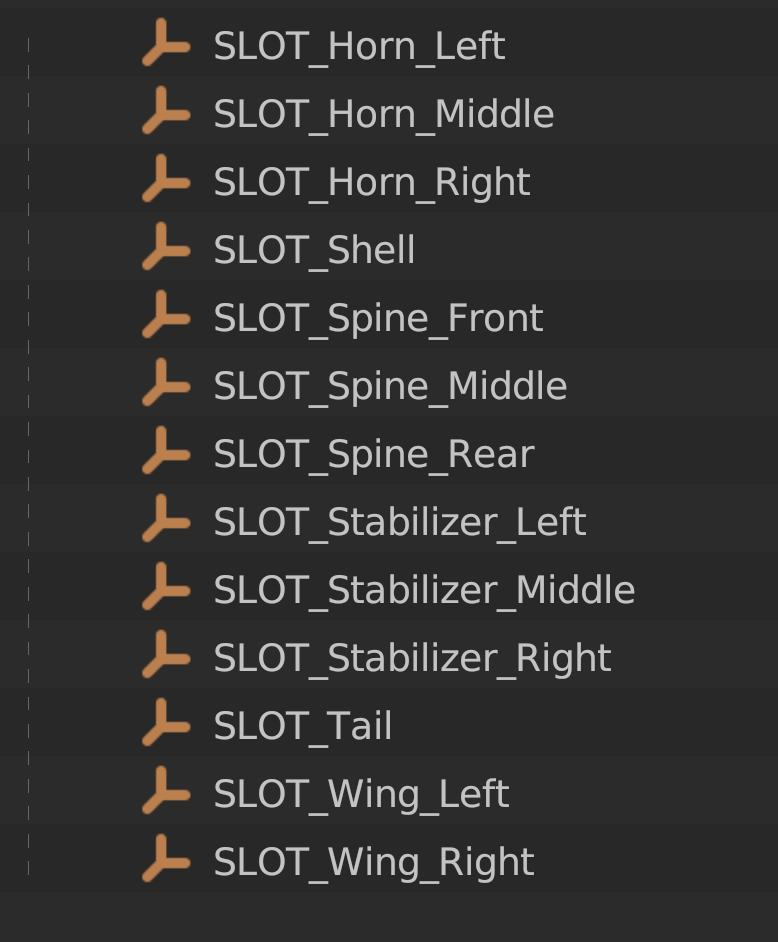
- If we detect any extra parts, it will invalidate your file.
- You don't need to add a mesh to all the slots, just the ones you want to customize.
Even if you don't add a mesh to all the parts, you still need the slot (empty) to be present in the file. Don't remove any of the slots. This could invalidate your file.
Example
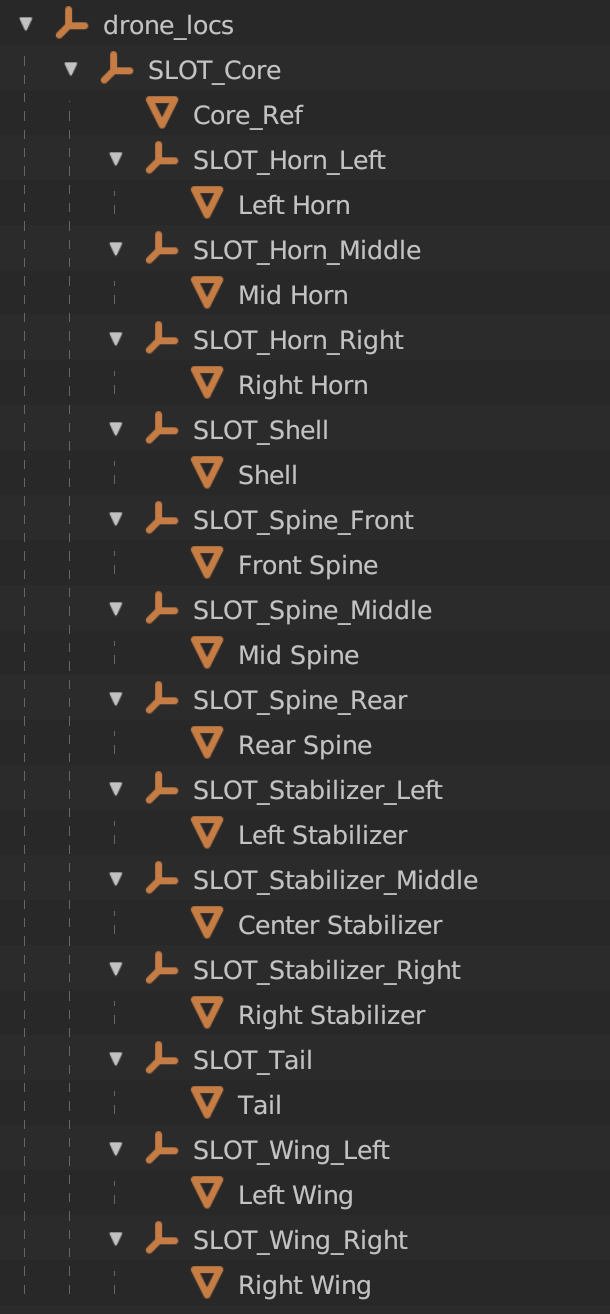
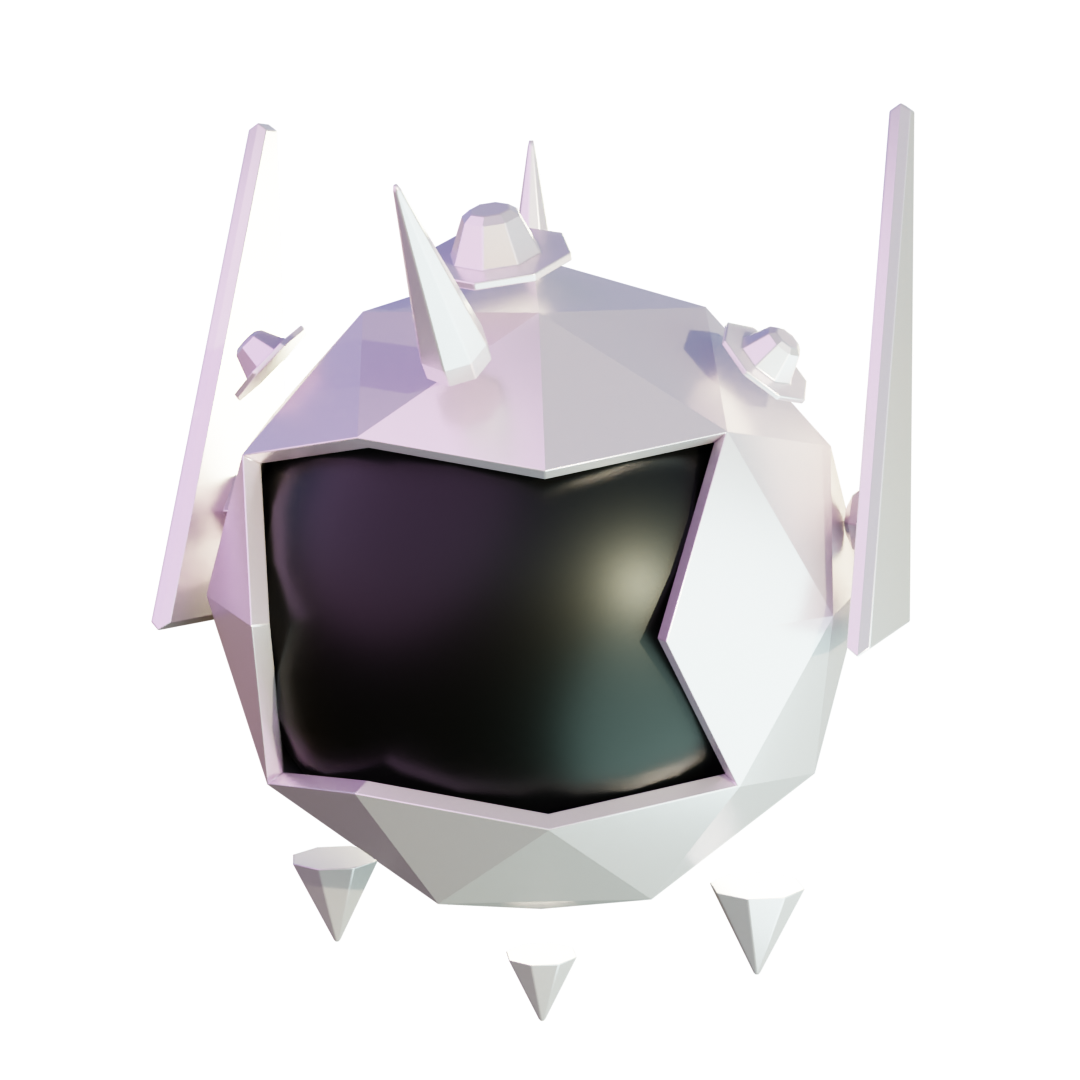
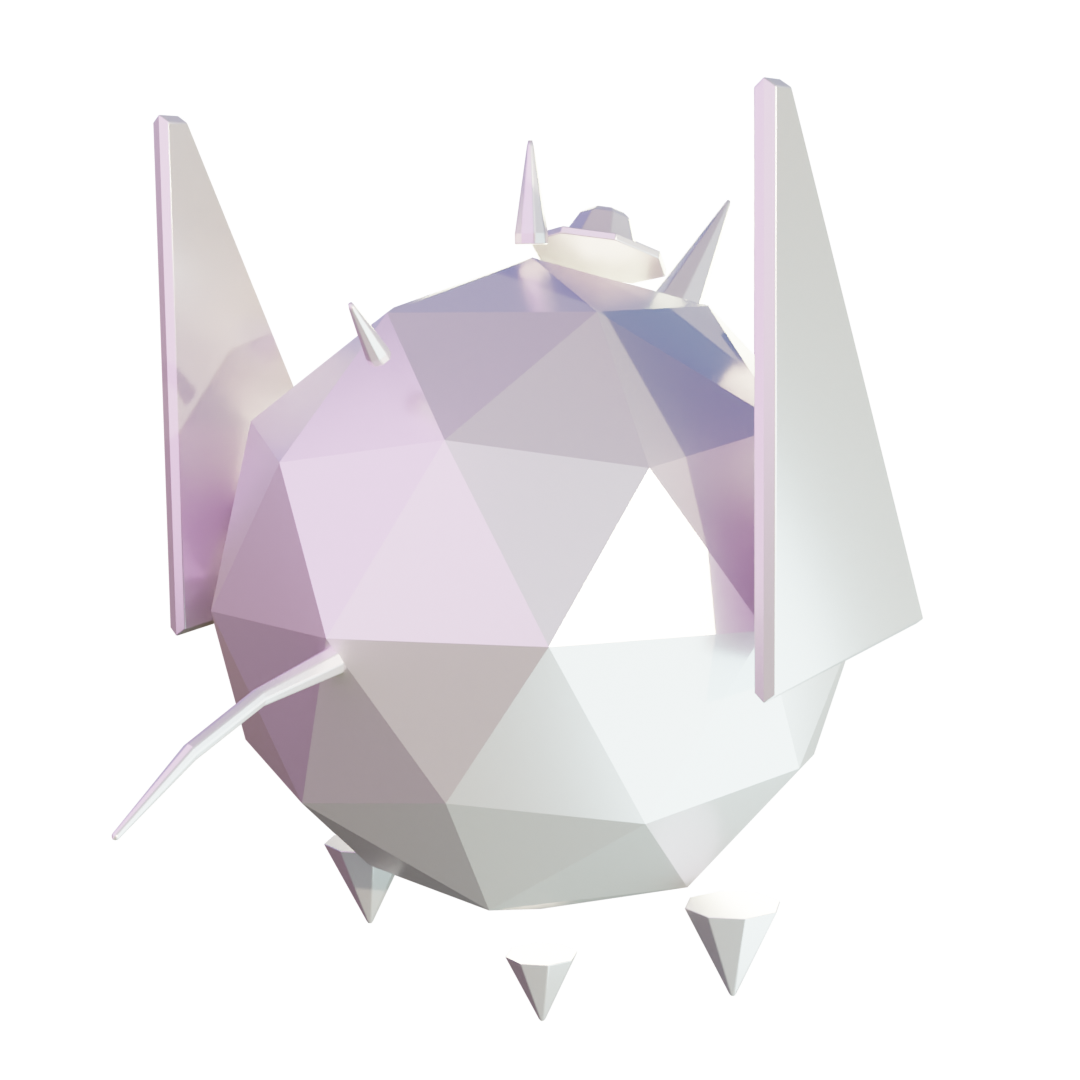
Remember: you don't need to add a mesh to all the slots, just the ones you want to customize. In this example we are cutomizing all the parts.
Materials
For a drone you should have 1 material for the Shell of your drone, then any other materials that you need for the other parts.
Drone Skin
| Restriction | Ideal | Max |
|---|---|---|
| Triangle Count | 5,000 | 10,000 |
| Materials Count | 2 | 2 |
| Meshes Count | - | 13 |
| Textures Resolution | 1024 | 2048 |
| Dimensions in Meters | Min | Max |
|---|---|---|
| Width x Depth x Height | 0.25 x 0.25 x 0.25 | 2 x 2 x 3 |